Game: Phantom Blade Zero
Developer: S-GAME Studio
Publisher: S-GAME Publishing
Category: Action, RPG
Information about the Phantom Blade Zero Trainer team
It has been developed by the Siriusnot team. Trainer, being improved every day, will have its download links updated on our website as updates are released. Simply write your problems as comments. Additionally, you can take a look at the end of the article to reach the official page of the development team. Trainer version 1.7.

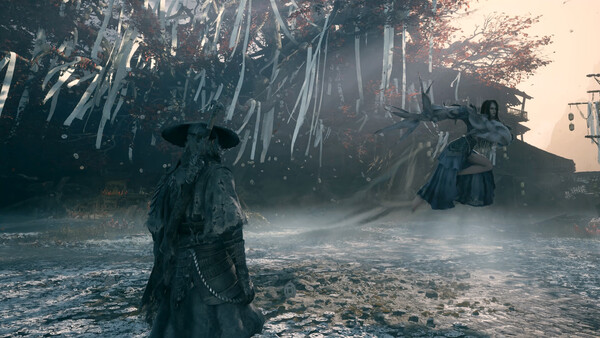
Phantom Blade Zero Trainer Details and How To Install
Trainer have a 20+ functions and works in all versions of the game. To run the program unzip the archive, run Trainer and click game icon and open the game. You can open the options by pressing the F9 key.
Trainer Key Settings
Num 1 – Unlimited Health
Num 2 – Unlimited Stamina
Num 3 – Unlimited Immunity
Num 4 – Unlimited Weapon Durability
Num 5 – Unlimited Crafting Materials
Num 6 – Ignore Crafting Requirements
Num 7 – Ignore Blueprint Upgrade Requirements
Num 8 – Change Game Speed
Num 9 – Maximum Stamina Damage
Num 0 – Maximum Damage/One Hit Kill
Num . – Damage Multiplier
Num + – Defense Multiplier
Ctrl+Num 1 – Infinite Money
Ctrl+Num 2 – Infinite Experience
Ctrl+Num 3 – ExperienceMultiplier
Ctrl+Num 4 – Freeze Daytime
Ctrl+Num 5 – Daytime +1 Hour
Ctrl+Num 6 – Save Location
Ctrl+Num 7 – Teleport
Ctrl+Num 8 – Teleport To Waypoint
NOTES
Trainer have 20 functions. We recommend that you turn off windows defender before opening the pc game trainer.