Game: GCS: Salvage Rat
Developer: Stellar Forge Works
Publisher: Stellar Forge Works
Category: Action, Adventure, Indie
Information about the GCS: Salvage Rat Trainer team
This trainer has been developed by the xOurMod Trainer team, a team of volunteers who have previously created trainers for dozens of games. We can estimate the size of the trainer to be around 44 MB. As the xOurMod team updates the program, we will also update it on our game-trainer.net. Trainer version is 2.0.3.
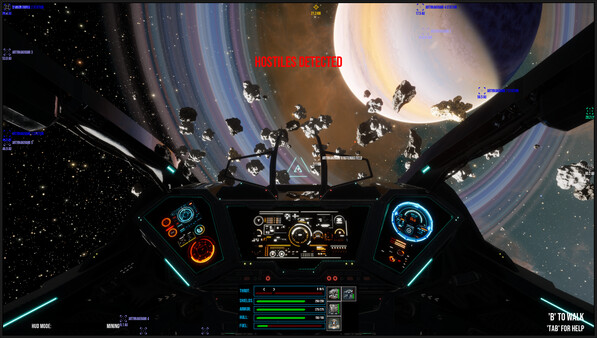
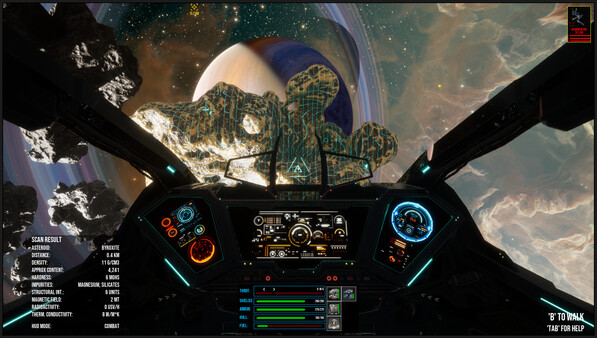
GCS: Salvage Rat Trainer Details and How To Install
Trainer have a 20+ functions and works in all versions of the game. To run the program unzip the archive, run Trainer and click game icon and open the game. You can open the options by pressing the F9 key.
Trainer Key Settings
Num 1 – Unlimited Health
Num 2 – Unlimited Stamina
Num 3 – Unlimited Immunity
Num 4 – Unlimited Weapon Durability
Num 5 – Unlimited Crafting Materials
Num 6 – Ignore Crafting Requirements
Num 7 – Ignore Blueprint Upgrade Requirements
Num 8 – Change Game Speed
Num 9 – Maximum Stamina Damage
Num 0 – Maximum Damage/One Hit Kill
Num . – Damage Multiplier
Num + – Defense Multiplier
Ctrl+Num 1 – Infinite Money
Ctrl+Num 2 – Infinite Experience
Ctrl+Num 3 – ExperienceMultiplier
Ctrl+Num 4 – Freeze Daytime
Ctrl+Num 5 – Daytime +1 Hour
Ctrl+Num 6 – Save Location
Ctrl+Num 7 – Teleport
Ctrl+Num 8 – Teleport To Waypoint
NOTES
Trainer have 20 functions. We recommend that you turn off windows defender before opening the pc game trainer.